
Here is the step by step guide to create your first website!
Please take notice: The "Website" option is only available to professors, along with students within specific faculties.
1. Navigate to https://uniweb.uottawa.ca and log in to Uniweb with your account.
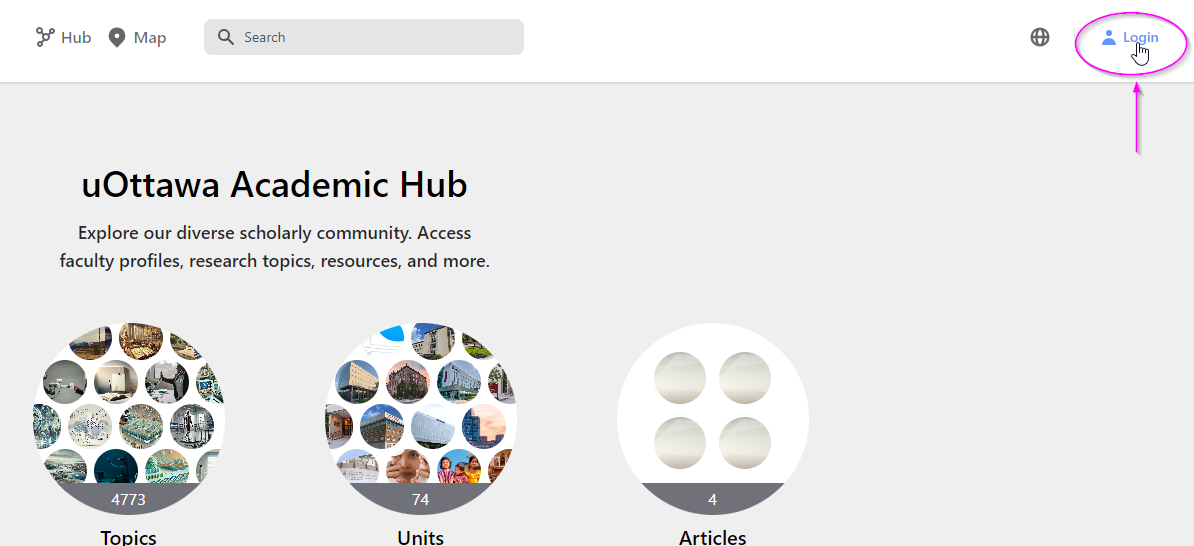
Login to uniweb
2. At your profile home page, click on the Create button and select “Website” from the menu of content creation.
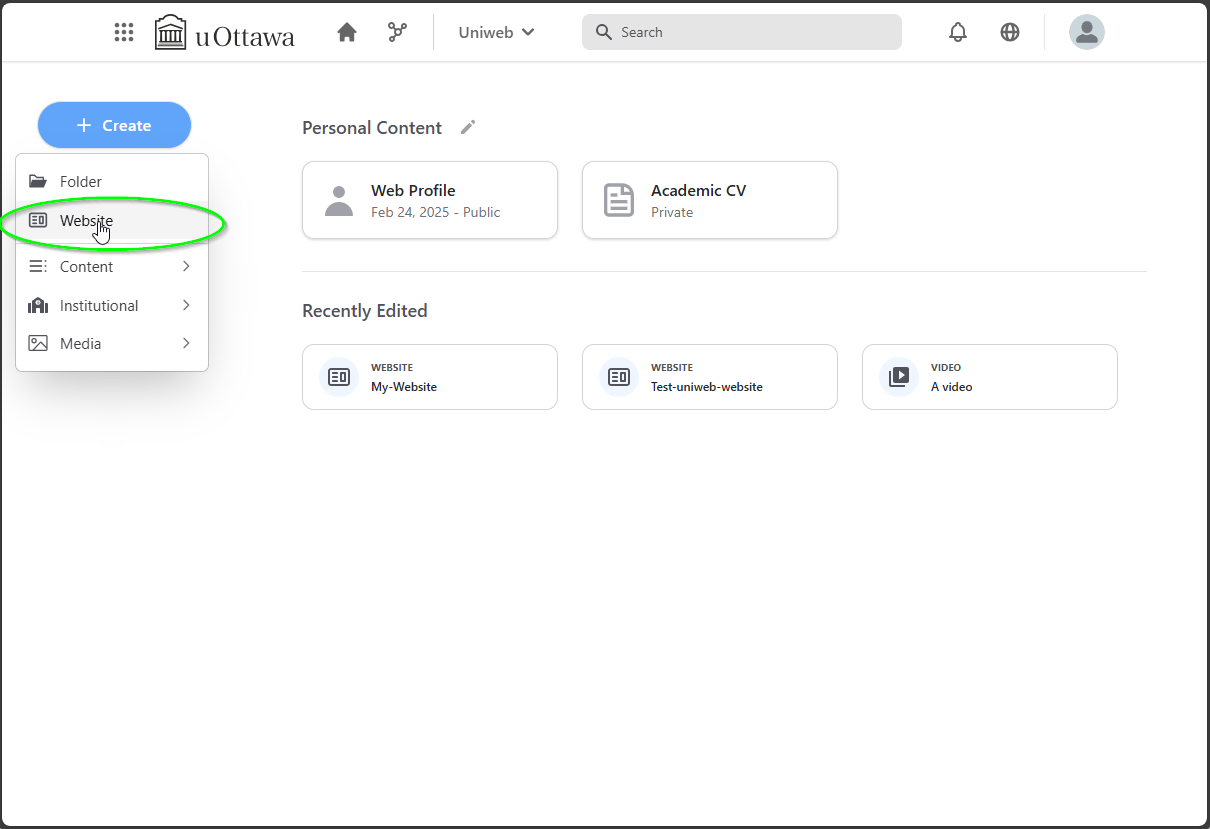
Starting the <Create website> wizard
3. You will be presented then with the first step where a selection of website templates will be available for you to choose.
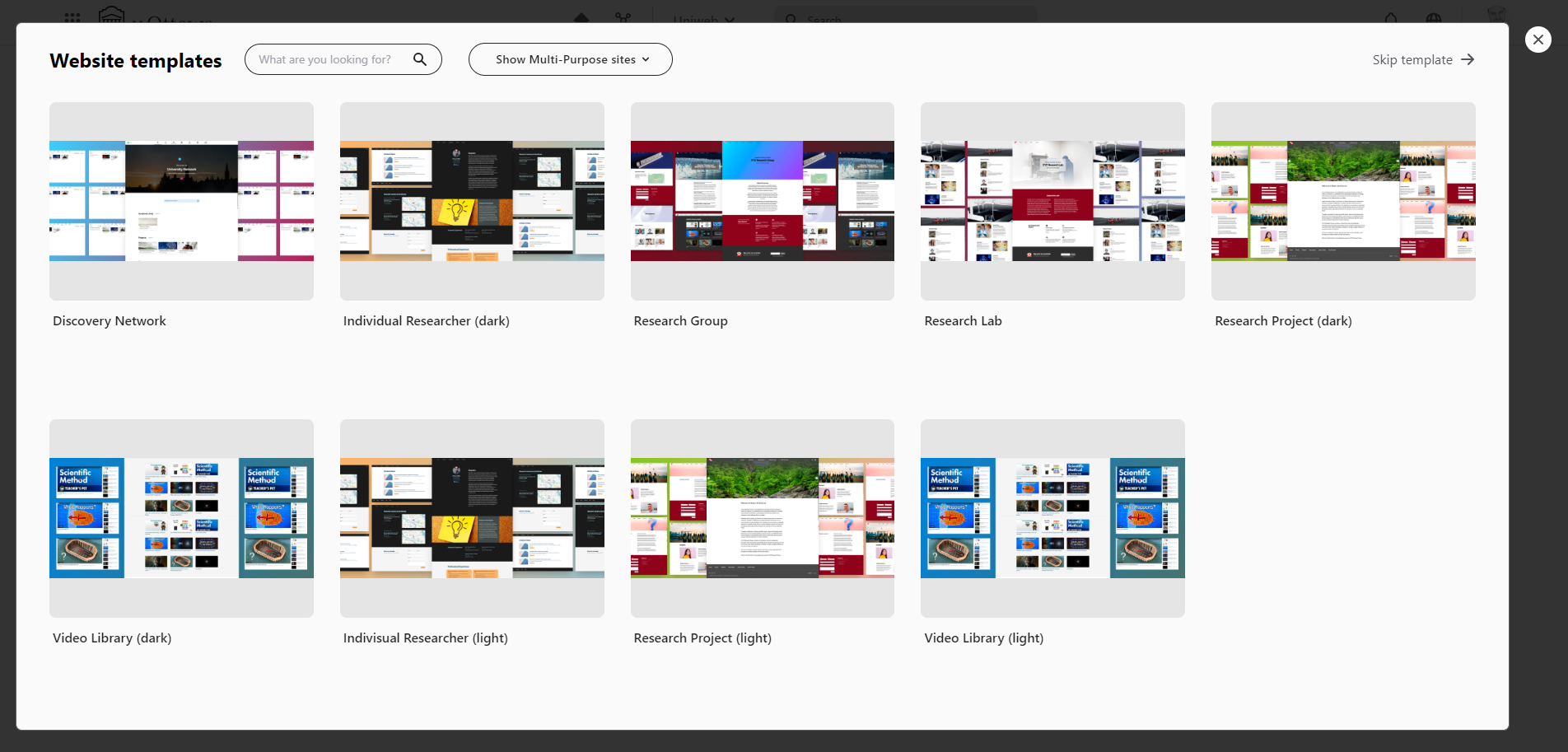
Template selection
4. Once you have selected your prefered template, click on the <Select template> to proceed to the next step.
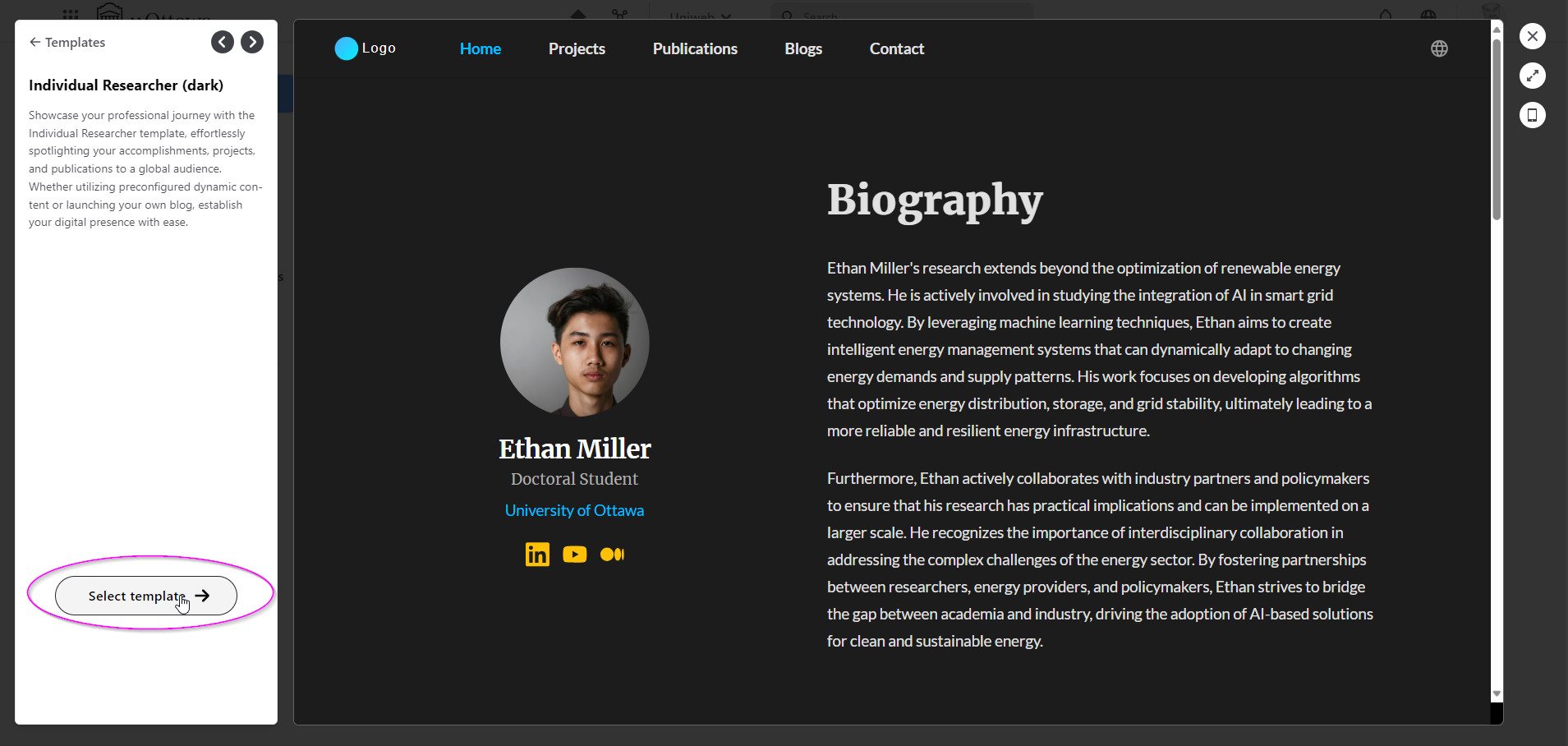
<br>
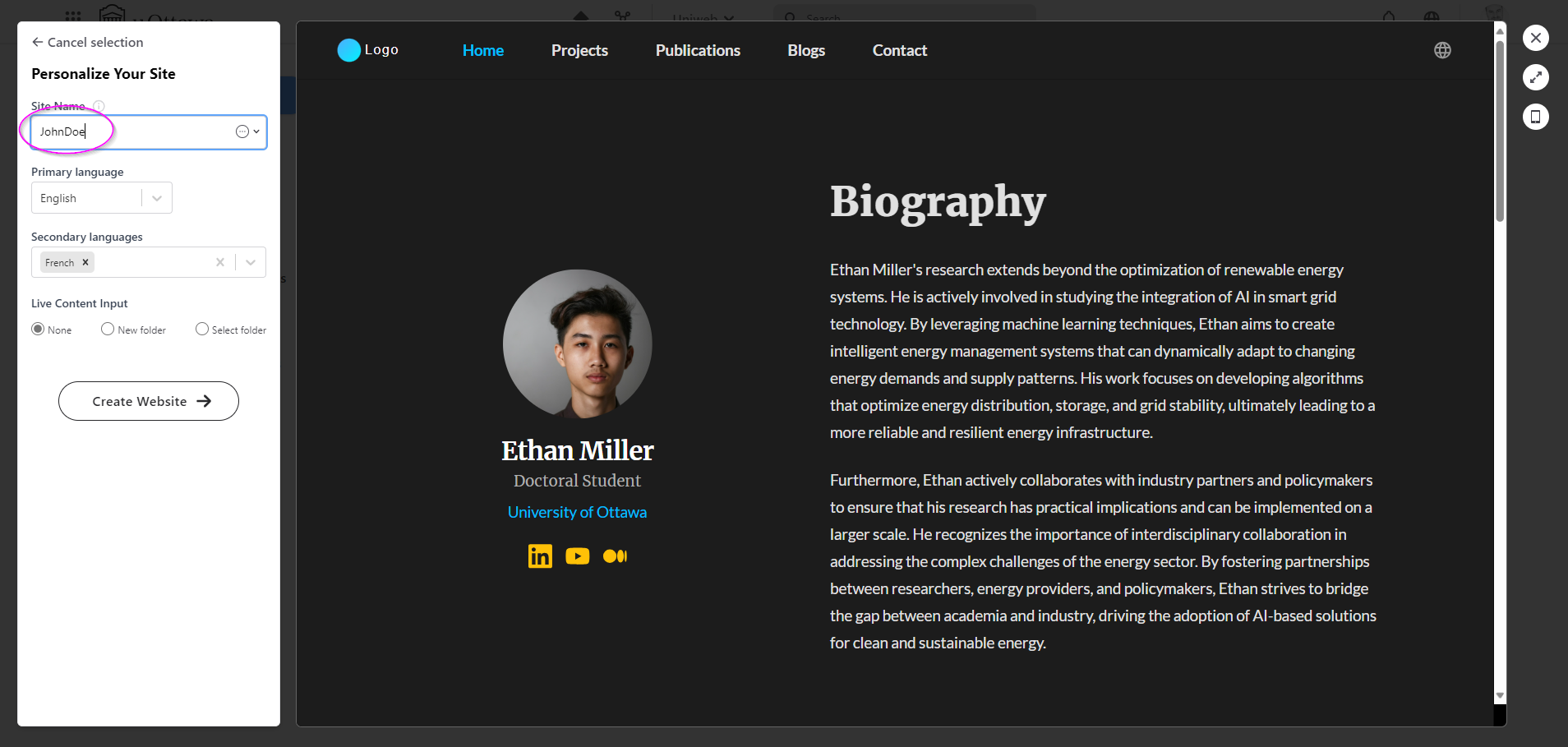
6. Give your site it’s name.
<br>
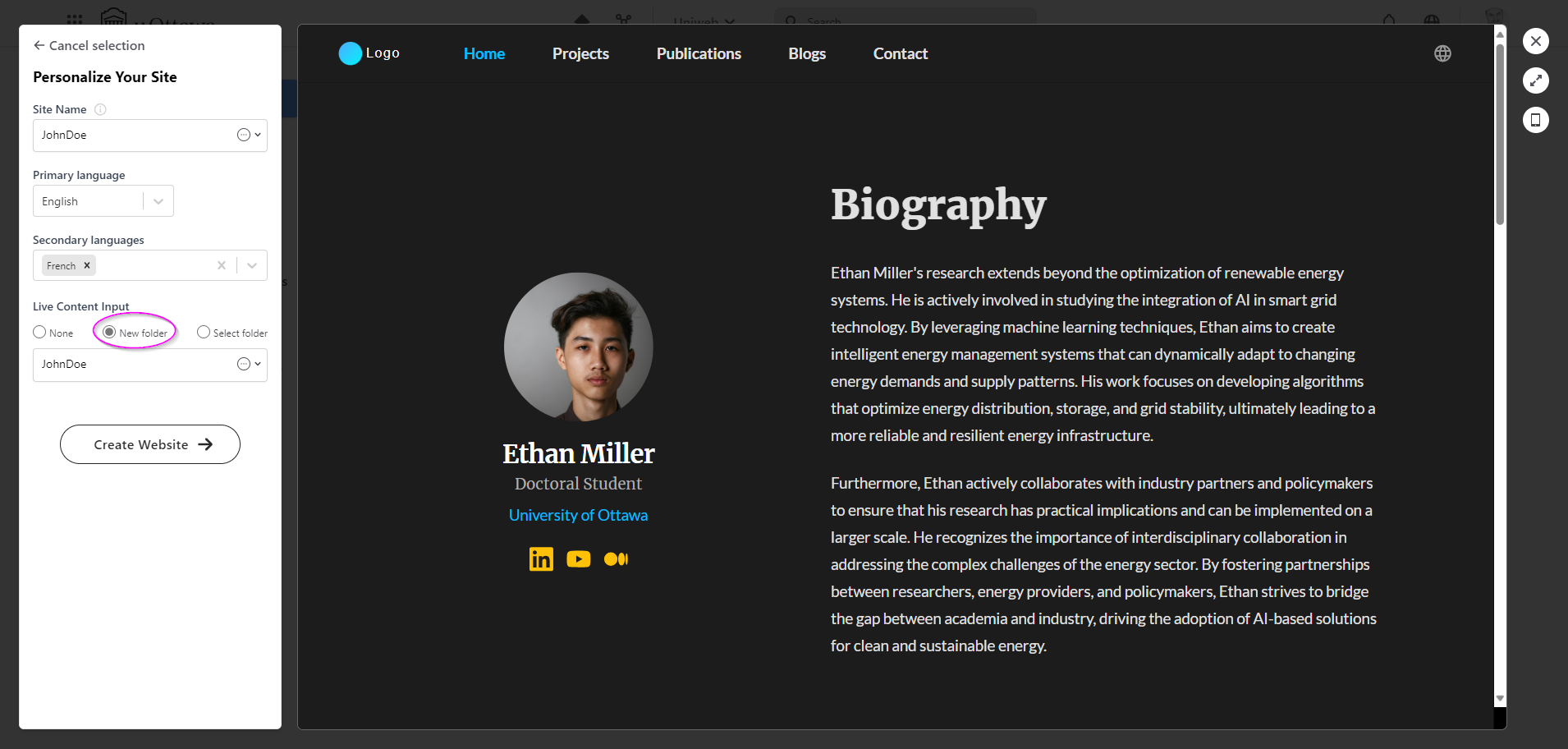
7. Select the “Live Content Input” with selecting “New folder”.
<br>
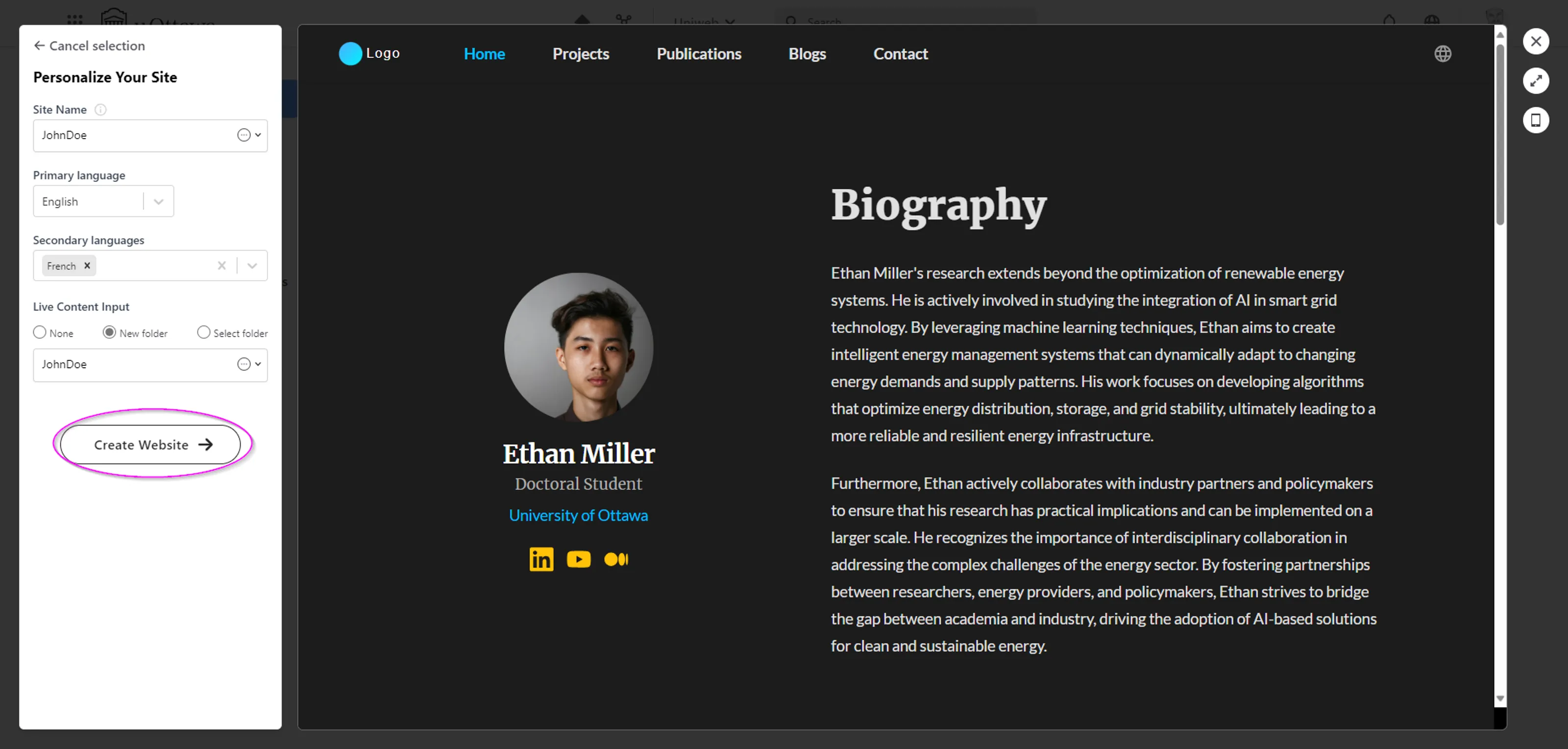
7. Complete the process by clicking on “Create Website”.
<br>
8. You are all set with your journey to start editing your content.
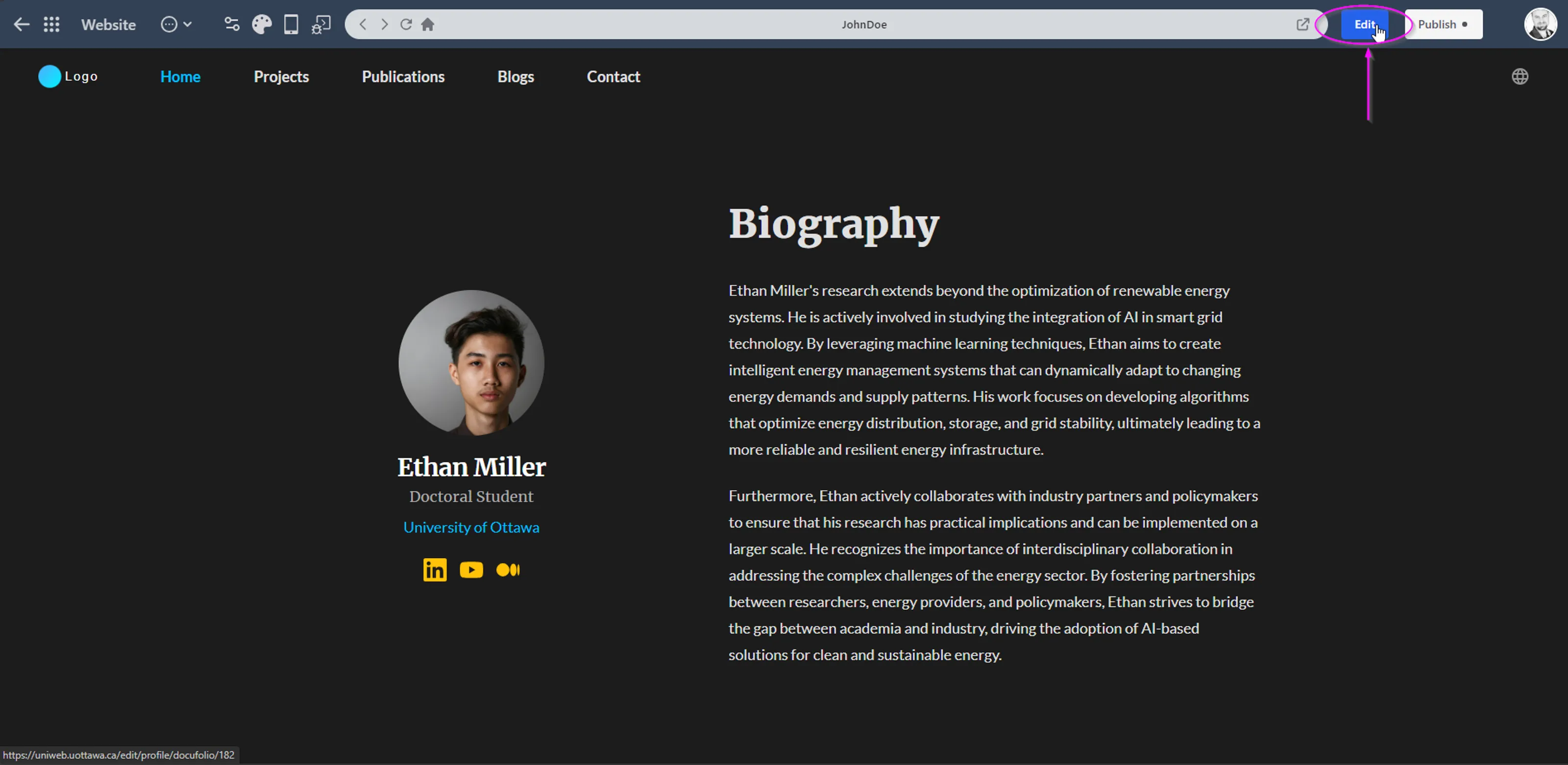
image.png