
Working with the Editor
In the “edit mode”, there are three area where you will be working with.
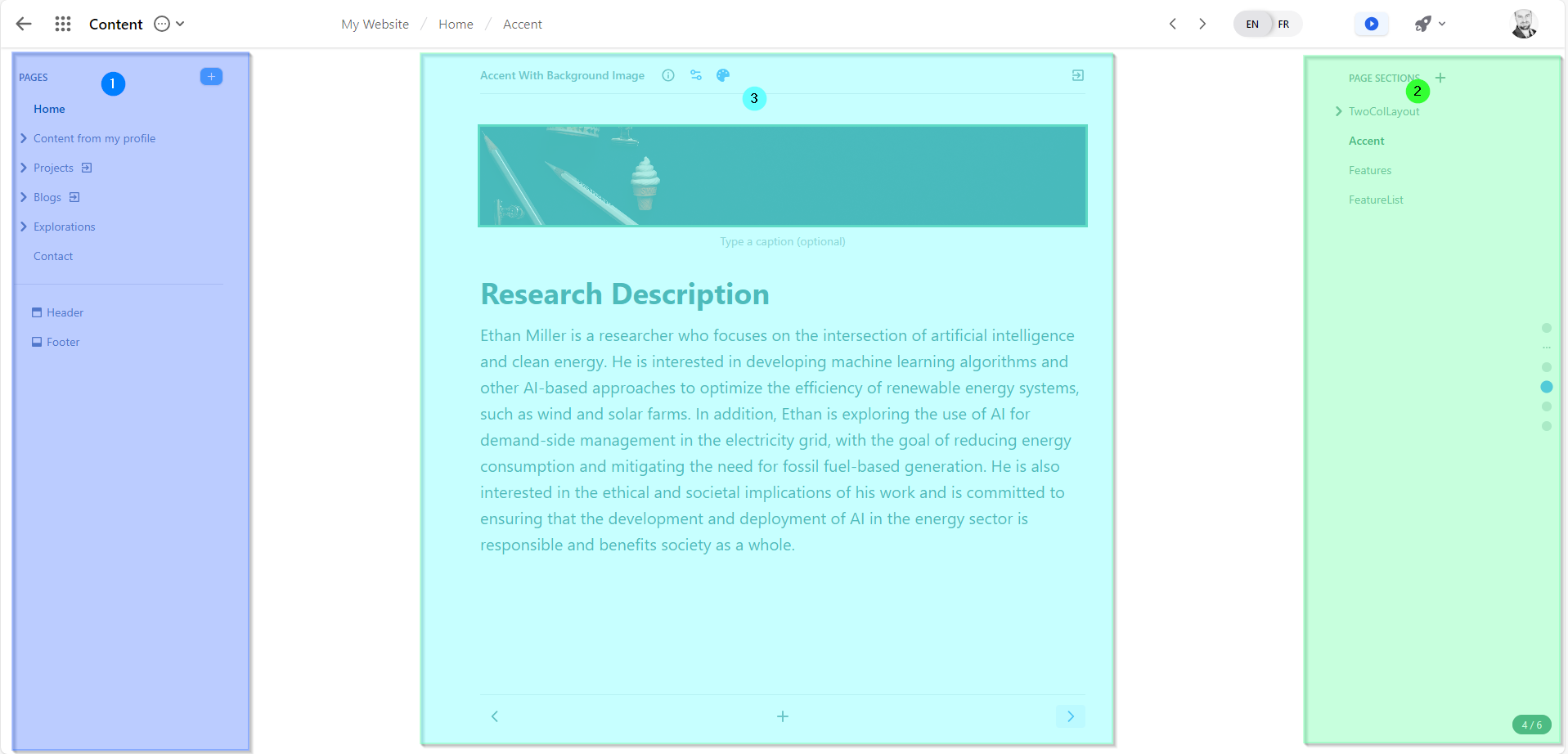
(1) The left panel
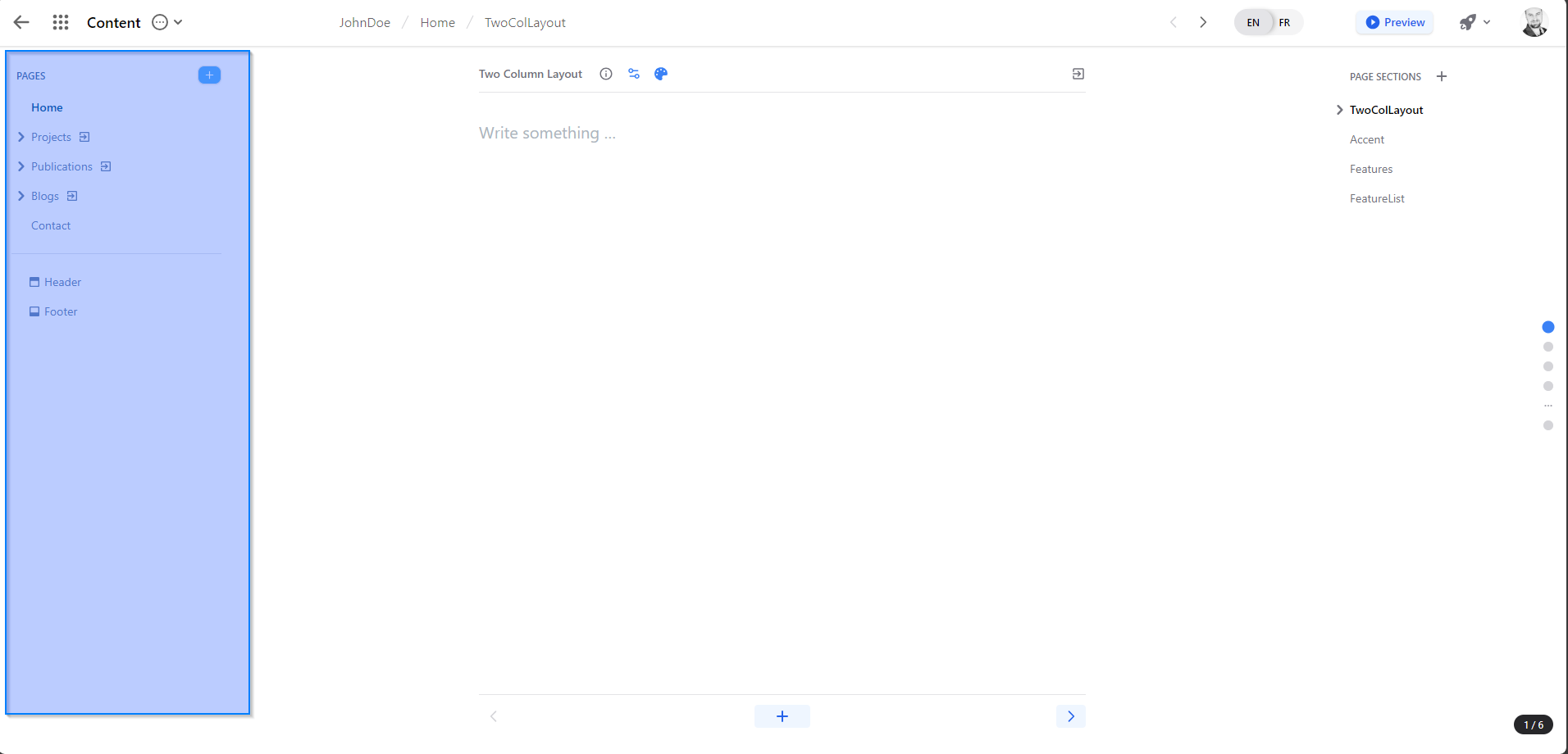
Important to know: In the left panel is the area where new pages can be created. The content that is shown in this panel will be the same content that your website top menu will have.
What is it used for? This is where you will be creating your website page that will hold your page content. Each ‘page’ that you create in this area will be a menu item to your website. You may also create a parent child relationship by using the drag and drop functionnality to have a page be a child menu item of another page.
(2) The right panel
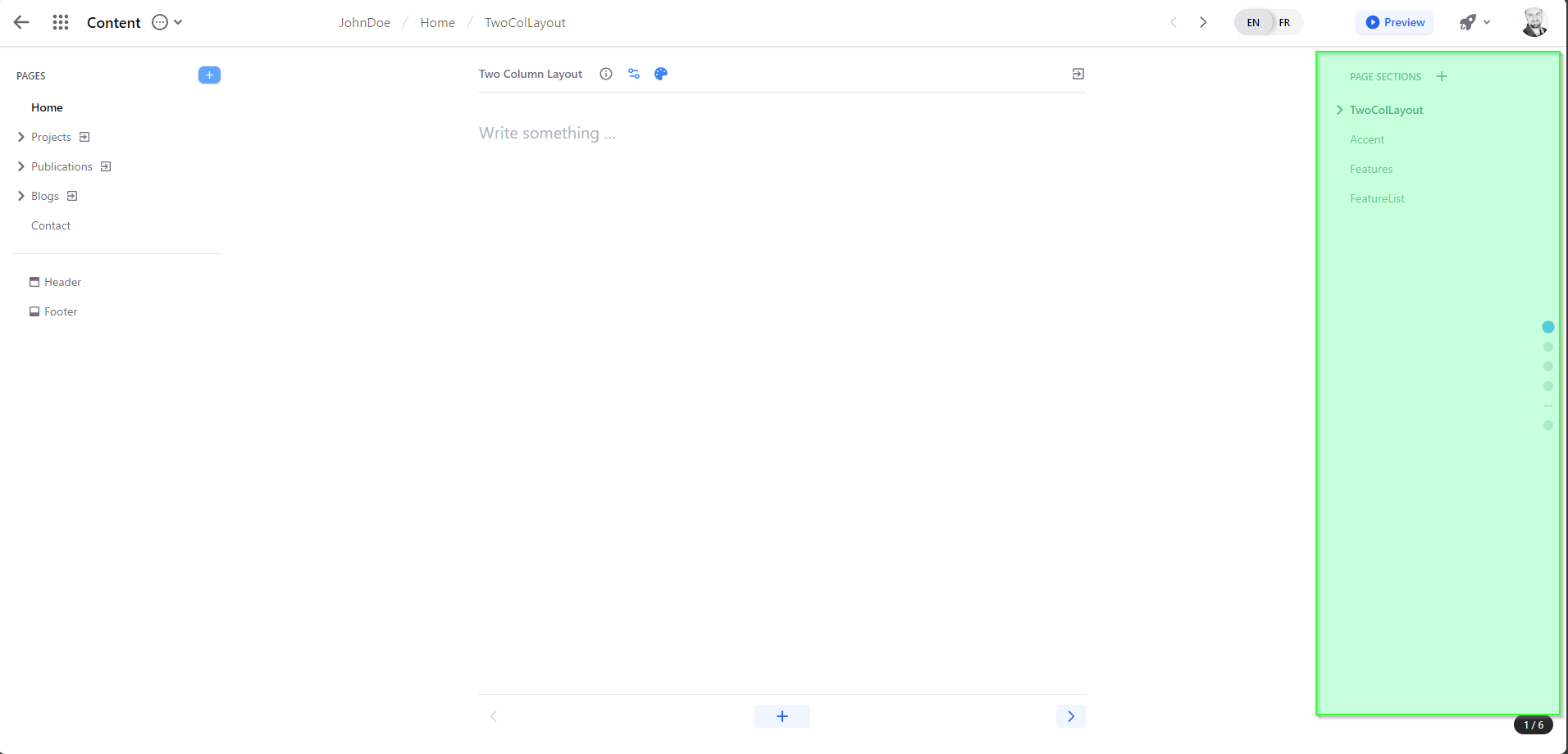
Important to know: The right panel contains your page “section”. Each page can consist of one to many sections. That choice is up to you!
What is it used for? This is where you will be breaking down your ‘page content’ into their own section. This allows each page to have different ways of showing content and will allow you to have a rich user experience to find your content that you would like to share.
Each page can have one to many section and each section can be presented on the website with a different visual styles.
You can edit the content of each individual section by selecting the one desired.
A complete list of all the different visual components is available at the following url - link)
(3) The main content editor
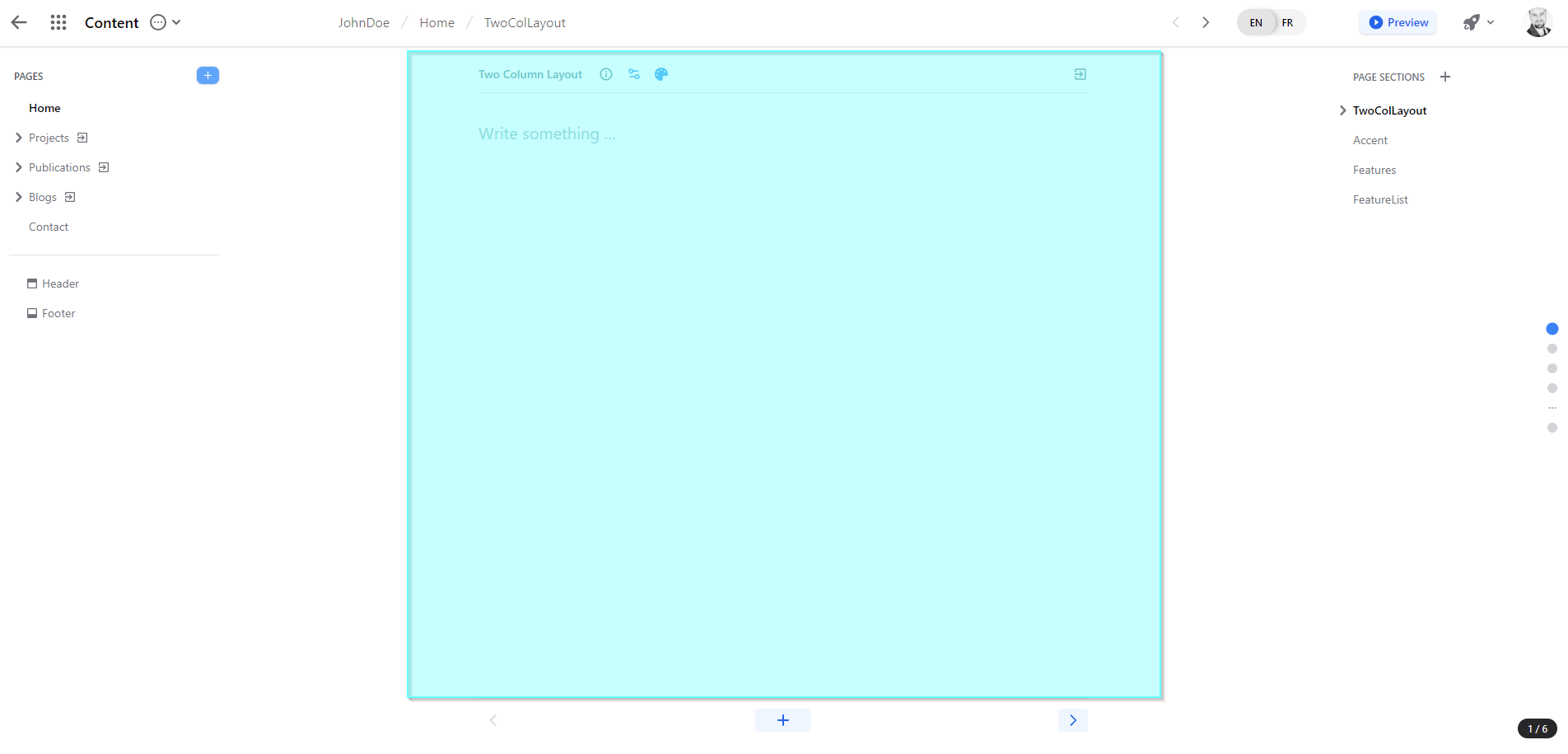
Important to Know: The main content editor is where you will be doing most of your changes. This is where you will be adding your text, images and links that are to be presented on your web page.
What is it used for? To add and modify your website page section content.